
Workflow Guides
Send final pay or commission details to a former employee
Keep departure status accurate while maintaining a separate reachable route for approved final wages or commission.
Before you start
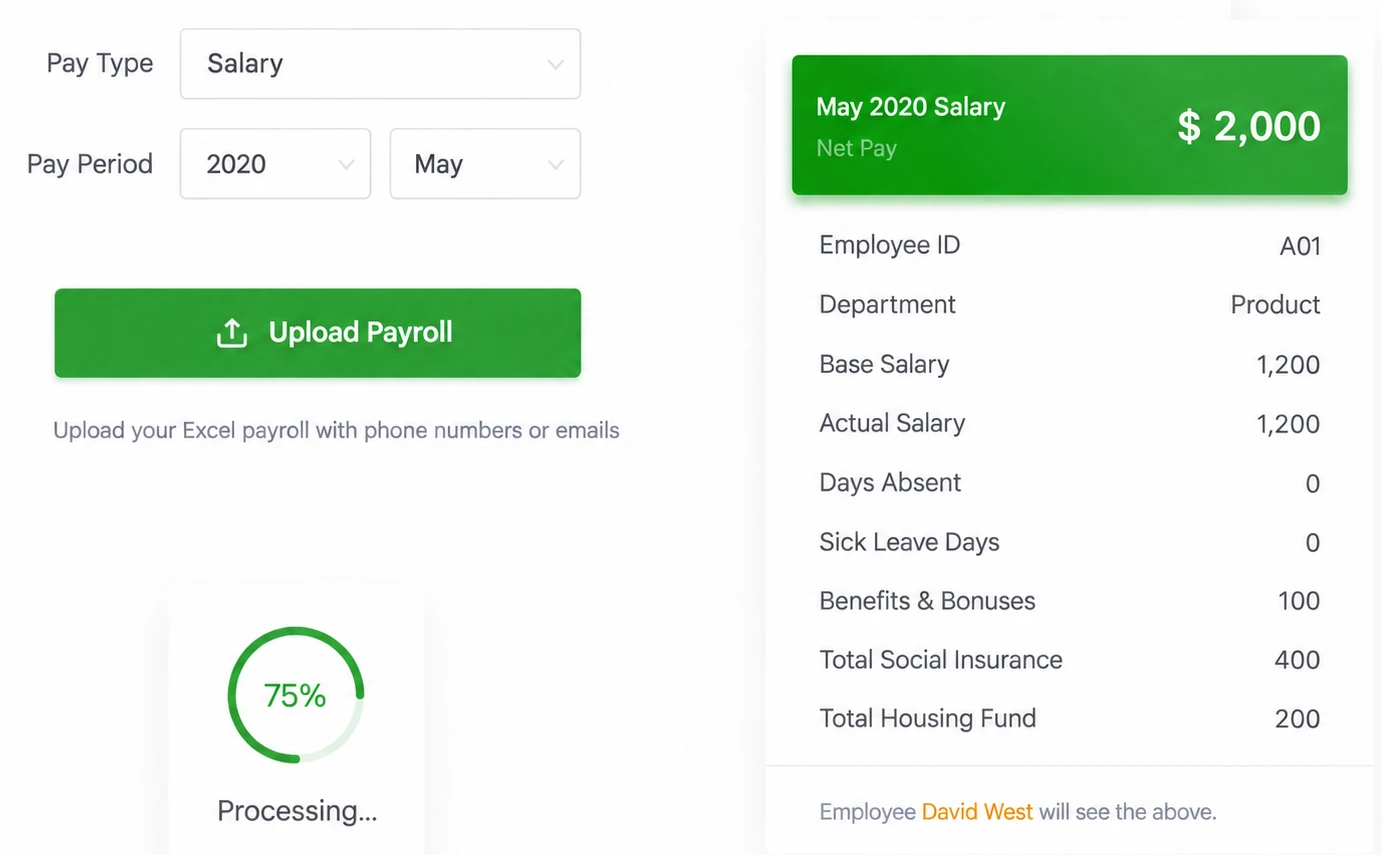
Identify the authorized account, the employer and pay period, and the person who owns the input data. Use controlled sample information for a first test. Check the current account and supported interface where a setting matters; supplied older images illustrate a workflow, not every available configuration.
Steps
-
Identify the former employee, employer, settlement period and remaining payment type.
-
Confirm a personal address the recipient still controls, rather than an expired workplace inbox.
-
Approve the final amount in the existing process and prepare an identifiable statement.
-
Preview and deliver to the intended person, using acknowledgment according to the organization's purpose.
-
Investigate missing receipt through the original record rather than silently marking the person active again.
-
Keep delivery and bank-payment records separate, retrieve the required statement records and confirm later access conditions.
Check the result
Keep delivery and bank-payment records separate, retrieve the required statement records and confirm later access conditions. Keep the observed result and any unresolved condition with the relevant account, period and record reference. A completed screen should not be used to claim a different event.
If something goes wrong
A late commission for one person need not trigger a workforce-wide redesign. Do not describe document confirmation as funds received or promise permanent history after employment or service ends.
Explanations and checklists
- How can former employees receive final pay or commission details?
- Does payslip acknowledgment prove that salary reached the bank account?
- What should we verify in exported payslip records?
- Final settlement delivery checklist
Start Your Free 1-Month Trial and verify this sequence with the people who will actually perform it.
Published by SugarHR Help Center. How we review guidance.
Start Your Free 1-Month Trial