
Workflow Guides
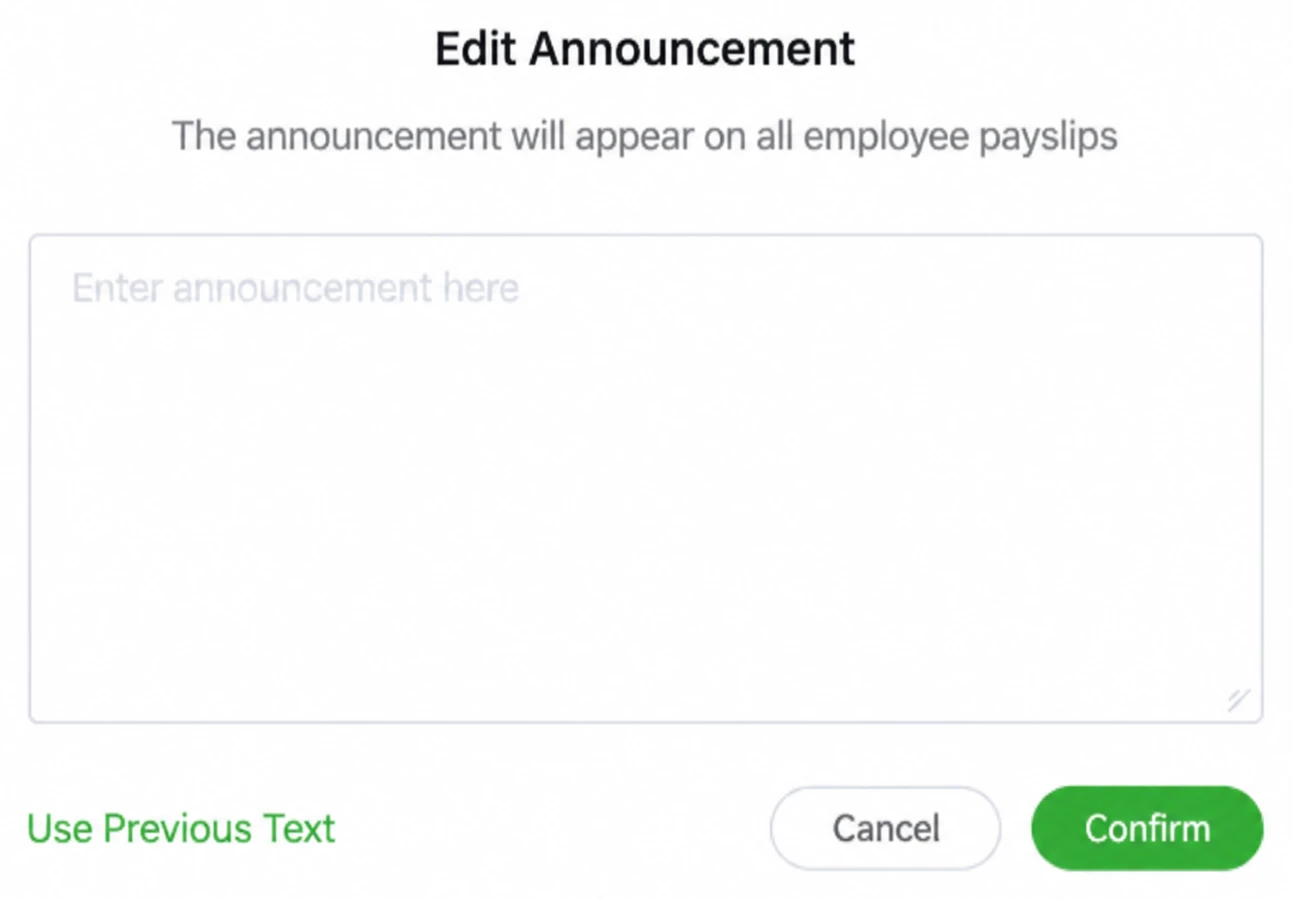
Write a clear and private batch announcement
Give every recipient the same useful review instructions without exposing individual amounts or private disputes.
Before you start
Identify the authorized account, the employer and pay period, and the person who owns the input data. Use controlled sample information for a first test. Check the current account and supported interface where a setting matters; supplied older images illustrate a workflow, not every available configuration.
Steps
-
State the relevant pay period and what the employee should review.
-
Explain the requested acknowledgment in language matching the actual setting.
-
Provide an appropriate internal contact for questions about the details.
-
Remove employee-specific amounts, identity information and individual complaints.
-
When reusing text, check the period, dates, deadline and contact again.
-
Preview the batch announcement from an employee perspective before release.
Check the result
Preview the batch announcement from an employee perspective before release. Keep the observed result and any unresolved condition with the relevant account, period and record reference. A completed screen should not be used to claim a different event.
If something goes wrong
The audience is the whole batch. A message safe for one person may be inappropriate when copied into shared text; an announcement is not a replacement for a contract or a private explanation.
Explanations and checklists
- What should a batch payslip announcement include?
- What should a company review about payslip data protection?
- How do employees receive and view a SugarHR payslip?
- Employee announcement samples for payslip delivery
Start Your Free 1-Month Trial and verify this sequence with the people who will actually perform it.
Published by SugarHR Help Center. How we review guidance.
Start Your Free 1-Month Trial