
Workflow Guides
Choose and verify employee acknowledgment
Choose the event your organization needs, then test how an employee completes it and how the resulting record is interpreted.
Before you start
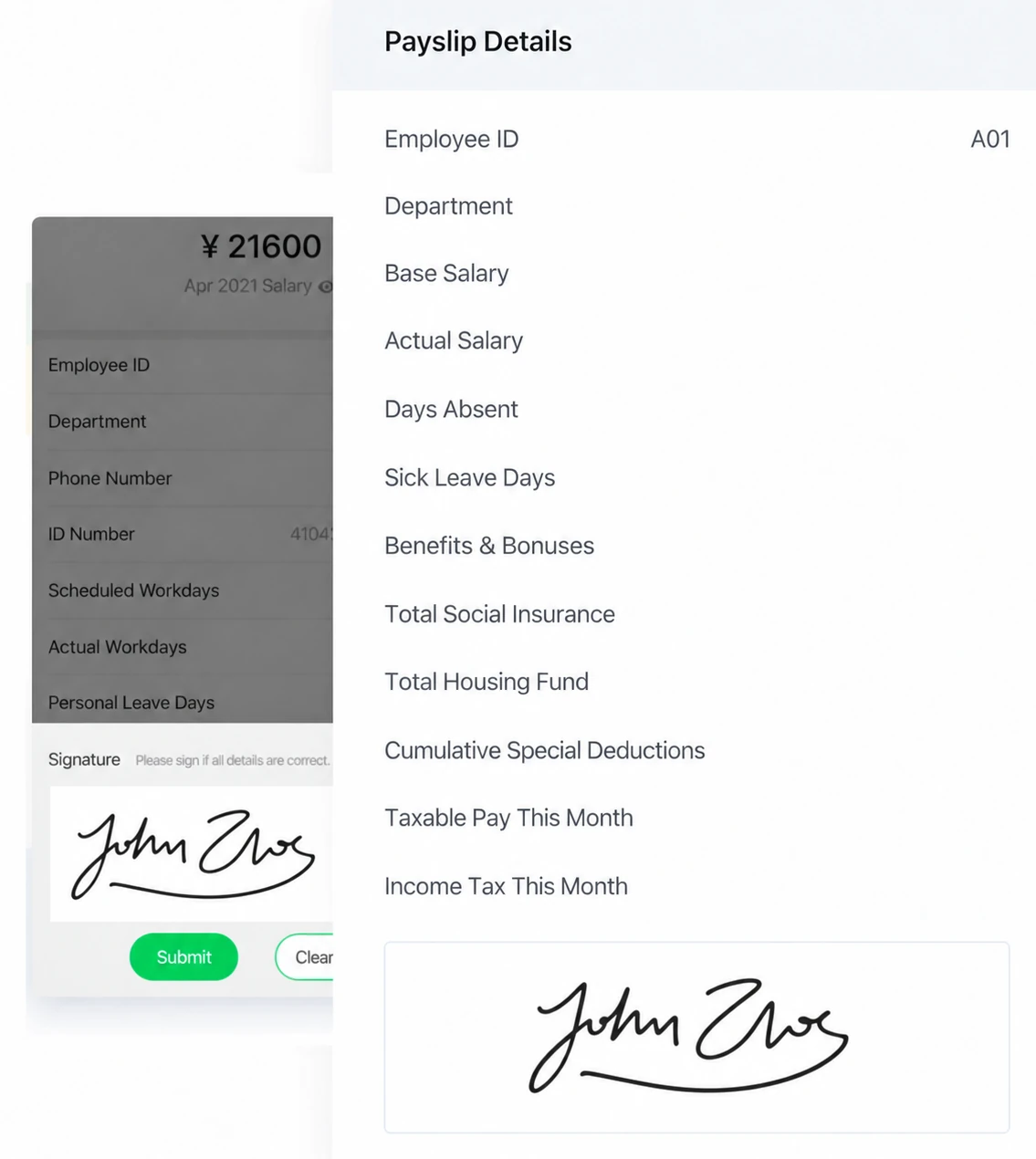
Identify the authorized account, the employer and pay period, and the person who owns the input data. Use controlled sample information for a first test. Check the current account and supported interface where a setting matters; supplied older images illustrate a workflow, not every available configuration.
Steps
-
Decide whether delivery evidence, a personal click or handwriting meets the actual process.
-
Confirm the current account's supported method and any relevant automatic window.
-
Have an employee open and review the identified statement before the requested action.
-
Check a test recipient who does not act so an automatic event is not mistaken for a personal response.
-
Review the administrator record for employee, period and the relevant event.
-
Verify a usable retrieved record if finance requires archiving, including any specific signature-field requirement.
Check the result
Verify a usable retrieved record if finance requires archiving, including any specific signature-field requirement. Keep the observed result and any unresolved condition with the relevant account, period and record reference. A completed screen should not be used to claim a different event.
If something goes wrong
Do not assume mixed methods are available within one batch. A handwriting image does not establish identity recognition, and an automatic status does not prove reading or payment.
Explanations and checklists
- What is the difference between delivered, opened and acknowledged?
- Should we use handwritten or one-click acknowledgment?
- Does automatic confirmation prove that an employee read the payslip?
- Does a handwritten acknowledgment verify a person's identity or signature name?
- First-send and employee experience checklist
Start Your Free 1-Month Trial and verify this sequence with the people who will actually perform it.
Published by SugarHR Help Center. How we review guidance.
Start Your Free 1-Month Trial