
Workflow Guides
Correct and resend a payslip while preserving its record
Identify the original statement and its state, then make a traceable correction rather than an unconnected replacement.
Before you start
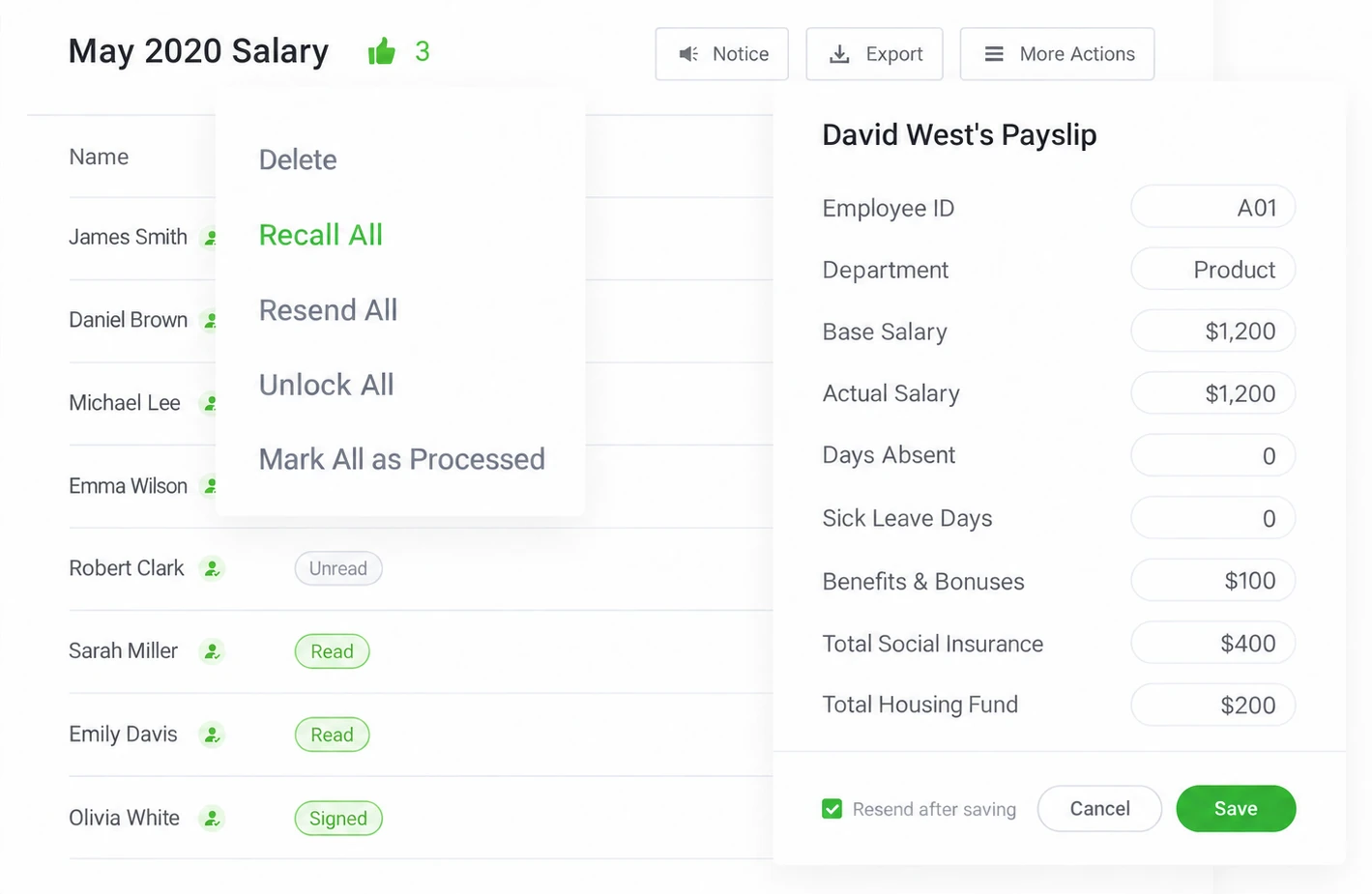
Identify the authorized account, the employer and pay period, and the person who owns the input data. Use controlled sample information for a first test. Check the current account and supported interface where a setting matters; supplied older images illustrate a workflow, not every available configuration.
Steps
-
Determine whether the problem concerns amount, person, address, period or presentation.
-
Find the exact account, batch and affected record; avoid additional uncontrolled sends.
-
Verify the correction action supported for the current opened or acknowledged state.
-
Correct the approved source where needed and inspect the intended replacement preview.
-
Follow the current supported void, recall or reissue workflow and deliver the correction to the right person.
-
Keep the reason, original reference and revised statement connected in the organization's archive.
Check the result
Keep the reason, original reference and revised statement connected in the organization's archive. Keep the observed result and any unresolved condition with the relevant account, period and record reference. A completed screen should not be used to claim a different event.
If something goes wrong
Already acknowledged records may need a different path from untouched ones. Do not promise invisible removal of history or recovery of copies a recipient has already saved.
Explanations and checklists
- How can we correct and resend an issued payslip?
- What is the difference between delivered, opened and acknowledged?
- What should we verify in exported payslip records?
- Monthly record and correction register
Start Your Free 1-Month Trial and verify this sequence with the people who will actually perform it.
Published by SugarHR Help Center. How we review guidance.
Start Your Free 1-Month Trial